Computing
Remote File Access
You can use SFTP to access files on a Linux server from a remote location. We recommend Cyberduck (Windows, macOS) as a free SFTP client.
Cyberduck
-
Download and install Cyberduck.
-
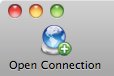
Start Cyberduck and click Open Connection at the top left of the program window.
-
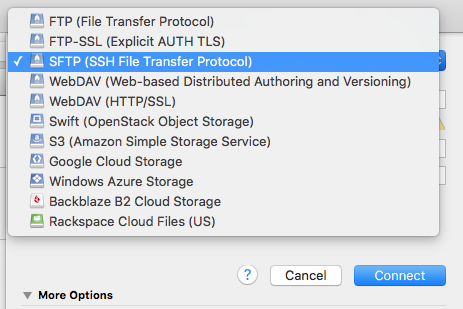
Select SFTP (SSH File Transfer Protocol) from the drop-down list.
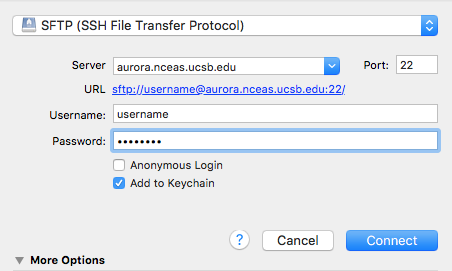
- Fill in the connection details:
- Server: Enter the server name (e.g.
aurora.nceas.ucsb.edu) - Username: Your account username
- Password: Your account password
- Server: Enter the server name (e.g.
-
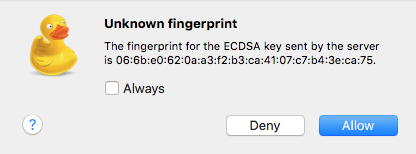
Click Allow if prompted about an “Unknown fingerprint.” You can check Always to trust the server for future connections.
- Navigate your files. You will initially see your home directory (usually
/home/your-username).- To visit a shared project folder, click Go in the menubar, select Go to Folder…, and enter the path (e.g.,
/home/shares/project-name).
- To visit a shared project folder, click Go in the menubar, select Go to Folder…, and enter the path (e.g.,
Command Line Access (SSH)
If you prefer to work in a terminal environment rather than a graphical file browser, please see our guide on
How to Connect to a Linux Server via SSH.